Cloud Solutions, Hosting and DevOps
Hosting, migration and DevOps on AWS, done right.
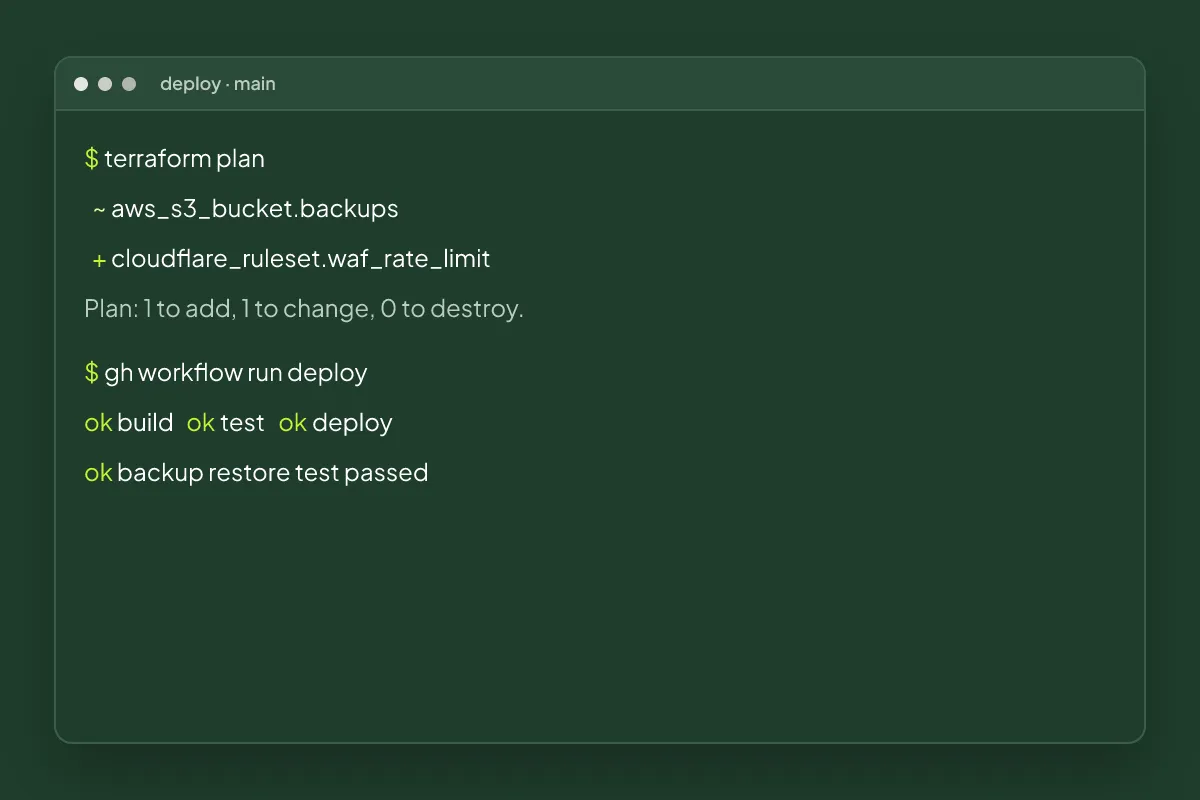
Key facts about Cloud Solutions at Kloudwise
- Platforms
- AWS and Cloudflare
- Covers
- Hosting, migration, CI/CD, backups, monitoring
- Approach
- Infrastructure as code you own
- Typical win
- Lower bills and safer
Cloud platforms make it easy to start and easy to make a mess: a server set up by hand years ago, deploys done by copying files, a bill nobody can explain and backups nobody has tested. Kloudwise sets up hosting and infrastructure on AWS and Cloudflare that is simple, secure and written down as code.
Infrastructure You Can Rebuild
When infrastructure lives only in someone’s memory, every change is a risk. We define your servers, networks, databases and permissions as code in your own repository. Changes are reviewed and applied through a pipeline, and the whole setup can be recreated if something goes badly wrong.
Deploy Without Fear
Automated pipelines build, test and release your website or application every time code changes. Releases become small, frequent and reversible instead of large, risky events done late at night.
Backups That Actually Restore
A backup only counts if it restores. We schedule backups, store them separately from the systems they protect, and test restoring them, so a deleted database or a compromised server becomes an inconvenience rather than a disaster.
Pay for What You Use
Cloud bills grow quietly. We review yours line by line, remove what’s unused, size servers to their real load and move suitable work to cheaper options such as edge caching. Budgets and alerts keep it from creeping back up.
Security by Default
Every person and service gets only the access it needs, secrets live in a managed store, traffic is encrypted, and logs and alerts show when something unusual happens.
What's Included
Tools We Use
- AWS
- Cloudflare
- Terraform
- Docker
- GitHub Actions
- Grafana
- A review of your current hosting, costs, security and backups
- Infrastructure defined as code in your own repository
- Automated build, test and deployment pipelines
- Backups with tested restores, plus monitoring and alerts
- A cost report with savings applied, and access rules tightened
How a Cloud Solutions Project Runs
Review what you have
We map your servers, services, costs and access, and list the risks in plain language with what each one could cost you.
Plan the target setup
We agree a simpler, safer setup and a migration plan that keeps your site or app online throughout.
Build it as code
Infrastructure is written as code, reviewed and applied through a pipeline, so it can be rebuilt or changed safely.
Migrate and monitor
We move services across in stages, test restores, set up alerts and hand over documentation and access.
Cloud Solutions Questions, Answered
Should a small business use AWS?
Only for what it needs. Many websites run faster and cheaper on Cloudflare's edge network, while AWS suits applications that need databases, queues or heavy processing. We recommend the simplest setup that meets your needs and grows with you.
How can I reduce my cloud bill?
Most savings come from removing unused resources, right-sizing servers, using reserved or spot capacity, caching more at the edge and setting budgets with alerts. We review your bill line by line and apply the changes that are safe.
Will my website go offline during a migration?
Migrations are planned to avoid downtime: we build the new environment alongside the old one, test it fully, then switch traffic over and keep the old setup ready to fall back to until everything is confirmed.
What is DevOps and do I need it?
DevOps is the practice of automating how software is built, tested and released so changes are frequent and safe. If you release updates by hand or fear every deploy, an automated pipeline will save time and prevent outages.
Who controls the cloud accounts?
You do. Accounts are in your company's name, Kloudwise gets least-privilege access for the work, and all infrastructure is defined in code stored in your own repository.
Services That Work Well Together
Custom Software
Web apps, portals and internal tools shaped to your process.
Workflow Automation
Connect your apps and remove repetitive manual work.
Website Development
Fast, responsive sites and landing pages built to convert.
Get a Quote for Cloud Solutions
Get a fixed quote after a free 15-minute call. We reply to every message within one working day.